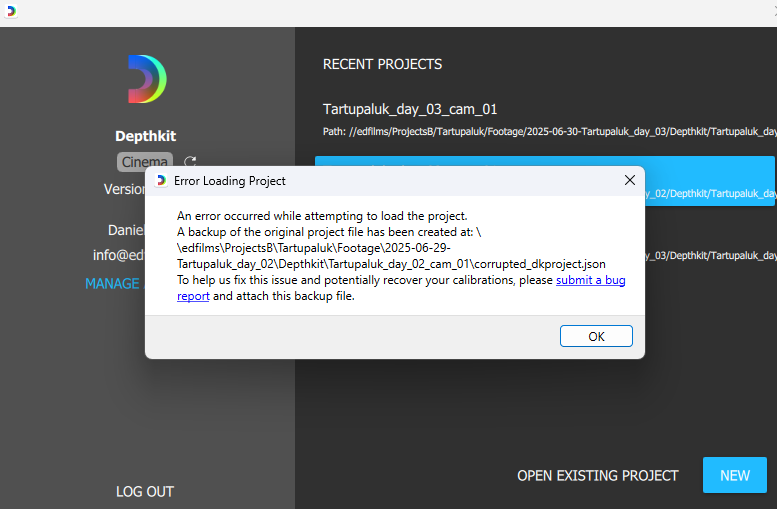
HEllo
I would like to get back my settings in this project.
find the project file here :
https://drive.google.com/file/d/1M-ZOhHZ7JzAvUqjycfOzQw5N7aNhXSd6/view?usp=sharing
Thanks for your help
HEllo
I would like to get back my settings in this project.
find the project file here :
https://drive.google.com/file/d/1M-ZOhHZ7JzAvUqjycfOzQw5N7aNhXSd6/view?usp=sharing
Thanks for your help
Hi, @sebastiengros - Thanks for sharing. I will take a look at this as soon as I can to see if I can find the issue with this JSON, and will follow up.
@sebastiengros I modified the JSON by clearing the recent take and export path, and it looks like Depthkit can now open the project. I suspect that your export path is too long or contains characters that the Depthkit application is failing to handle properly. Can you confirm this JSON allows you to open your project?
dkproject.json (312.8 KB)
HEllo Cory @CoryAllen
Thanks for the help I think you did a good job,
But now I have a new problem with all my already created projects.
Yes with all projects…Even the one that I never reopened after the day of shoot.
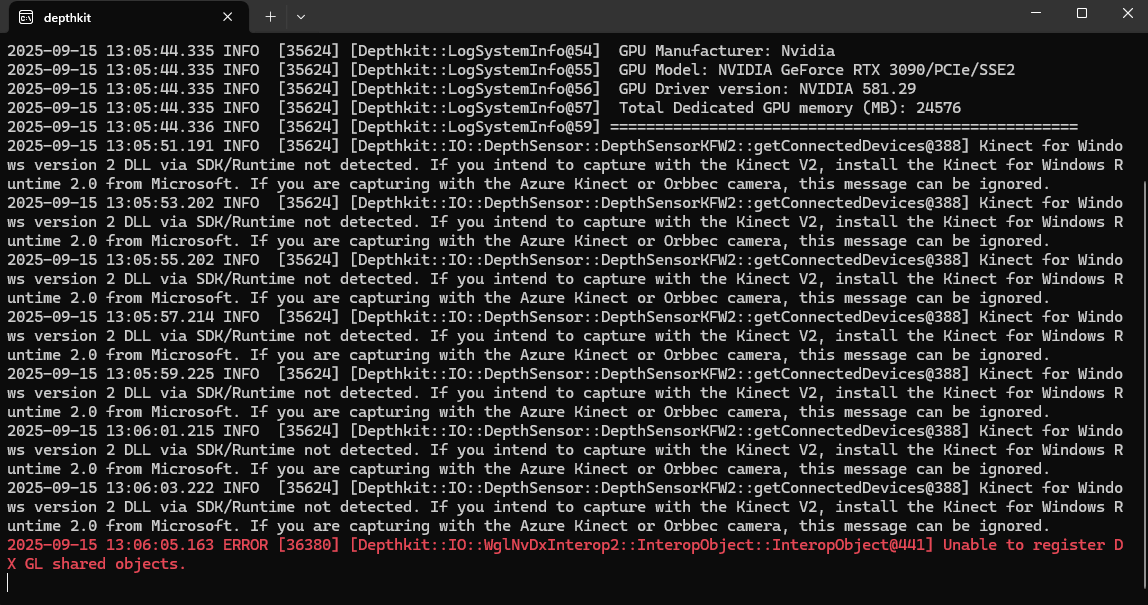
THe project open BUT as soon as I click on the editor section I received this error message and it crashes.
I re-installed DEpthkit many times.
I’m getting an error message : see frame grab
error: ERROR [36380] [DEpthkit;;io;; WglNvDxInterop2;;InteropObject;;InteropObject@441 Unable to registerDX GL shared objects
Is it an Nvidia Driver problem ?
Thanks for your help
@sebastiengros - Sorry to hear that you’ve run into another issue.
That error does seem like a new GPU driver could be the issue. Depthkit 0.8.1 was tested against Nvidia 55x drivers at release, and hasn’t presented any major issues with 56x and 57x drivers (with one minor exception), but it’s possible that the 58x driver you have installed interacts with the Depthkit application differently than earlier versions.
I recommend rolling back the GPU driver to 553.62, and then see if you can load the Depthkit Edit context.
I have an other computer and the driver is 57x and Depthkit is working perfectly.
Divers update are a nightmare sometime,
THanks for your help
@sebastiengros - Thanks for confirming, and glad to hear everything works.