[RESOLVED] Calibrating Issue

17 posts · 357 views
JasonGray Jason Gray #1

Hi James / Team,

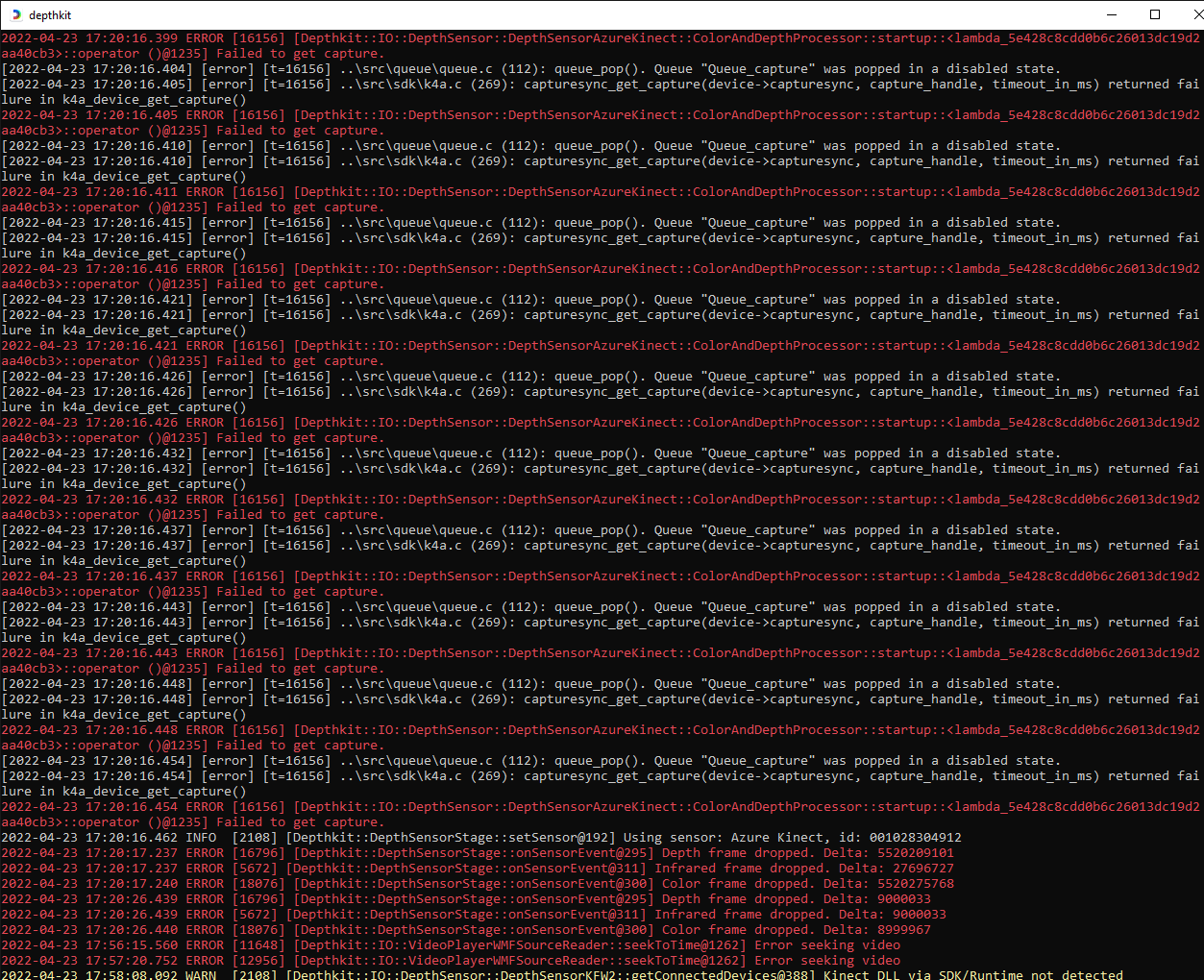
When Attempting to calibrate a 3-sensor calibration, I’m unable to zoom in or out in the viewport and also unable to successfully capture floor samples - none are shown as captures after starting and stopping the process.

Here’s the link to the file.

Thanks,
Jason

JasonGray Jason Gray #4

I did a recording with our talent, even with the calibration issue. When I tried to play the file back, it was playing back a bit slower than real time.

James James George admin Staff #5

Hey Jason,

Thanks for posting the detailed description of the problem with screen recordings.

So it seems like a hardware issue with sync is stopping all the cameras from streaming in the Calibrate context. I am guessing this from the fact that only the first frame shows and then the viewport frozen.

Do the sensors stream appear smoothly in the viewport when you click “start streaming”?

Here are some ideas to debug:

Can you check to ensure your sensors are all up to date with the same firmware?

Once that’s confirmed, I would check your physical sync cables are correct. The sensors are reporting the correct control/subordinate sync configuration but since the frames are not steaming it could be the sync signals are not coming through. This can happen if there is a low quality connection in the sync cable.

Post back when you have looked at these three things and then let’s go from there.

JasonGray Jason Gray #6

Thanks James. I’ll hive these steps a go and respond asap.

James James George admin Staff #7

Great!

Another thing that occurs to me to is to ensure you are running the latest drivers for your GPU.

If you are still encountering issues after all of this, please share your system specs here so we can see if it’s a possible hardware compatibility issue.

JasonGray Jason Gray #8

Hi James,

I have SDK v1.4.1 installed and all sensors have firmware 1.6.110079014 installed.

When I select start streaming, I get no image in the viewport. Also the star to the left of sensors 2 and 3 are not filled in with color as if they’re not connected.

All power lights are active on each sensor.

I updated the NVIDIA game ready drivers for the GPU, still having the issue.

I’ll try re-seating, and if necessary, replacing the sync cables next. Do they need to be in a specific order or is Sync In to Sync Out sufficient? I currently have SYNC OUT (Hero CAM) to SYNC IN (CAM Left), SYNC OUT (Cam Left) to SYNC IN (Cam Right).

JasonGray Jason Gray #9

James,

I replaced all of the sync cables and changed the order of the daisy chain and the issue persisted - only the HERO CAM showed the live video feed.

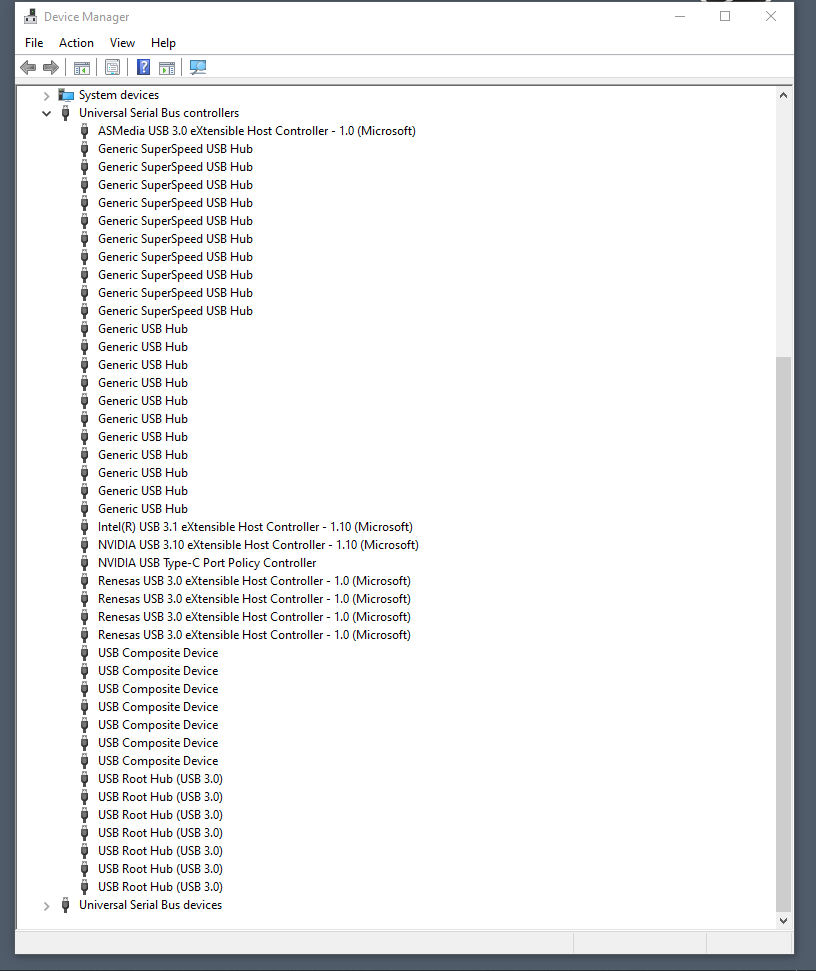
I decided to try switching USB ports. The original configuration was 2 Kinects on the recommended Star Tac 5 port USB HUB and 1 Kinect on the 10 Mbps SS USB rear motherboard connection. After some switching around I finally got all 3 sensors to show a live feed by connecting them to the 3 10 Mbps rear SS USB ports. I’ve attached a screen shot of what this now looks like in the device manager.

JasonGray Jason Gray #10

System Specs are as follows…

i9-9900K CPU @ 3.6GHz
64 GB RAM
Windows 10 Pro 64-Bit
NVIDIA GeForce RTX 2080 Ti
Samsung SSD 860 EVO 1TB (OS and Location of this Project (Default DK)
Samsung SSD 970 EVO 1TB (Data)
The recommended StarTac 5-port USB PCI card
Thunderbolt 3 add-in PCI card

JasonGray Jason Gray #11

After changing USB ports to on-board, the viewport appears normal now and I can use the mouse scroll wheel to zoom during streaming. I can also successfully complete the floor detection process.

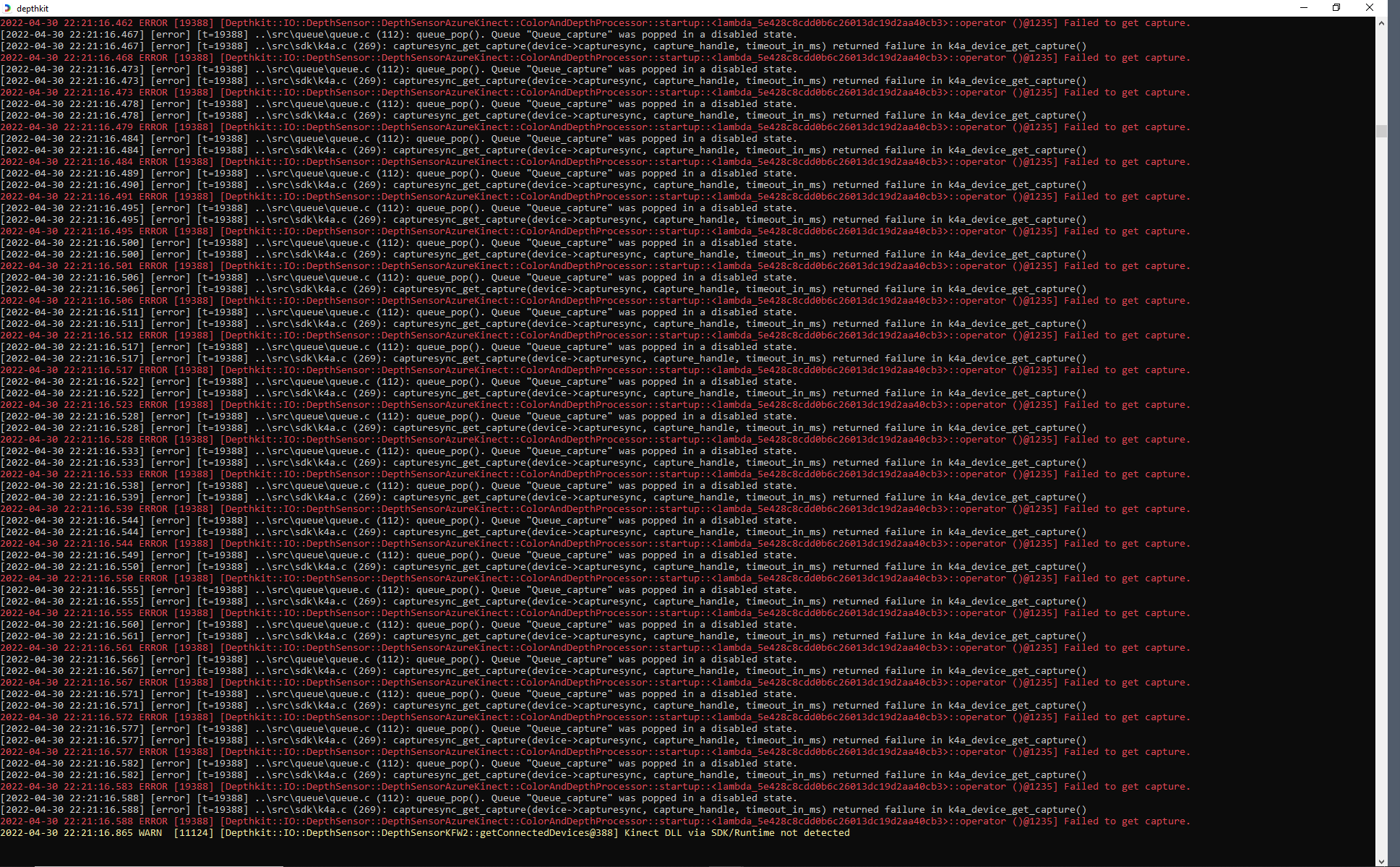
The DK console is still showing that the SDK/Runtime is not detected.

James James George admin Staff #12

Hi @JasonGray
Great to hear you were able to work through the hardware issues to get the sensors running!

The yellow SDK error in the console can be safely ignored, it’s referring to the Kinect for Windows V2 SDK which is not needed with the Azure Kinect.

JasonGray Jason Gray #13

James,

Thanks for confirming my setup is working.

I’ve successfully captured, processed and exported a Combined Per Pixel video. What would be the best file format to bring a volcap into a WebXR platform?

Also, what’s the best way to delete takes from a project in Depthkit?

Thanks,
Jason

James James George admin Staff #14

hey @JasonGray
Great questions! Would you mind starting a new thread for each of those questions and I can answer there?

it makes it easier for other community members looking up answers when they have the same questions.

JasonGray Jason Gray #15

Threads started, thanks.

J-

JasonGray Jason Gray #16

Hi James / Support,

I was wondering if anyone had a solution for my queries? My license expires soon and I want to make sure I can complete my exports.

Cheers,
Jason