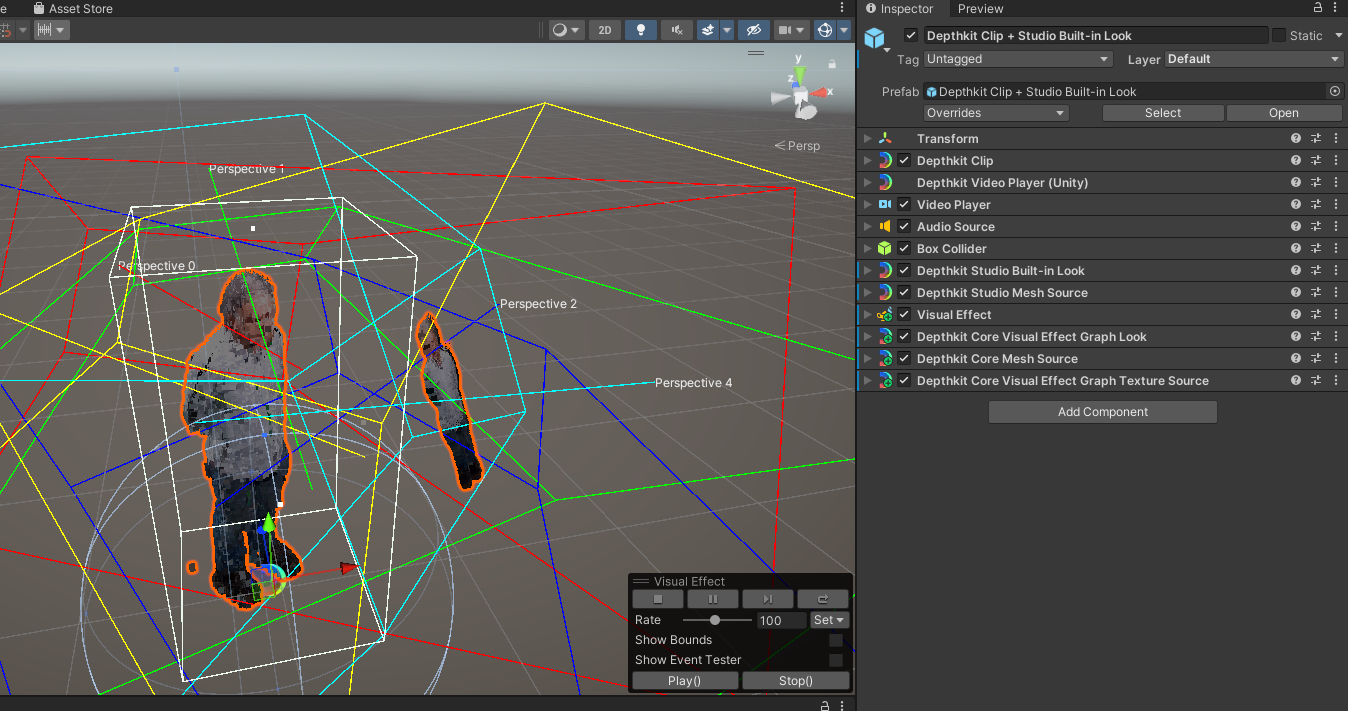
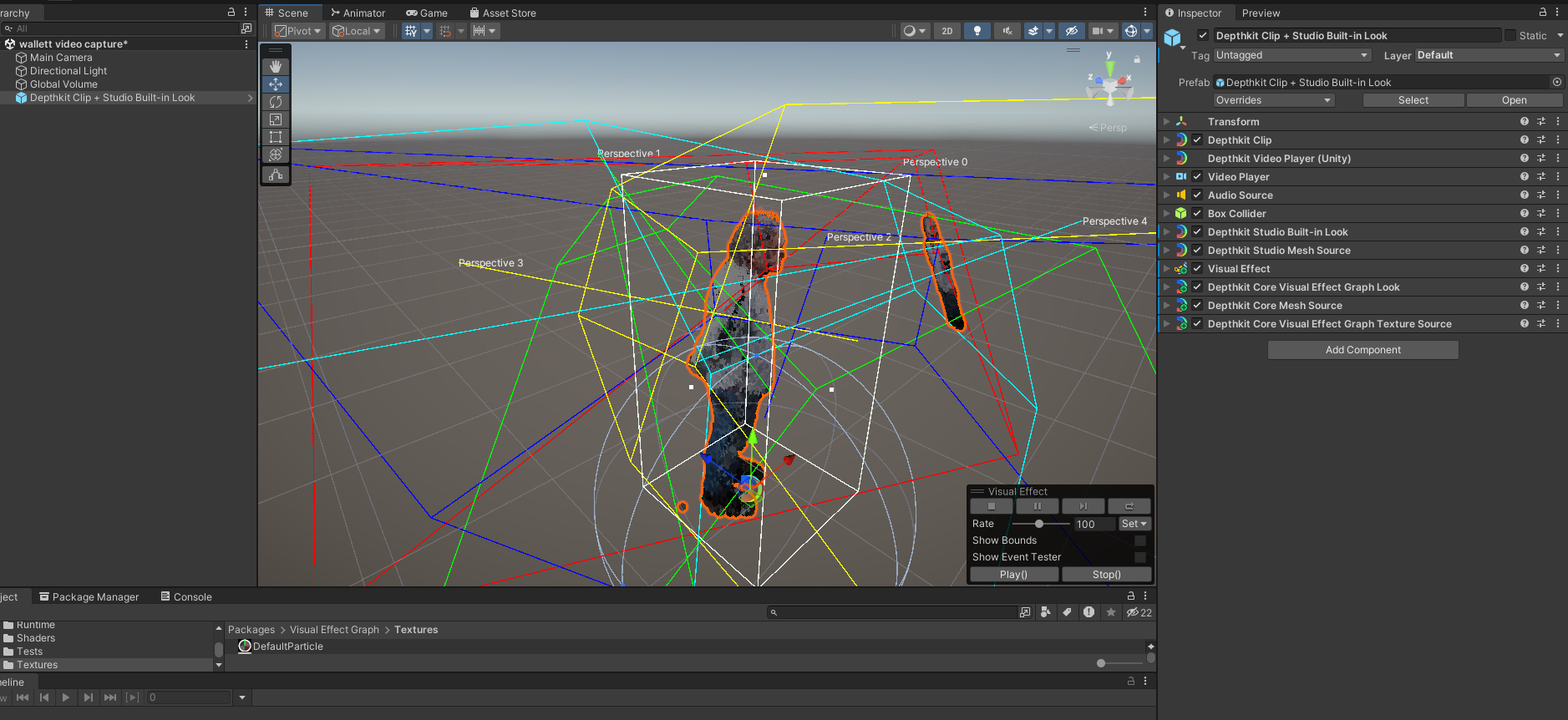
@SimonWallett - At first glance, it looks like your Depthkit object has multiple conflicting looks applied: Depthkit Studio Built-in Look and Depthkit Core Visual Effects Graph Look (intended for single-sensor ‘Depthkit Core’ captures), so to clean this object up, remove (rather than disable) these components:
Visual EffectDepthkit Core Visual Effect Graph LookDepthkit Core Mesh SourceDepthkit Core Visual Effect Graph Texture Source
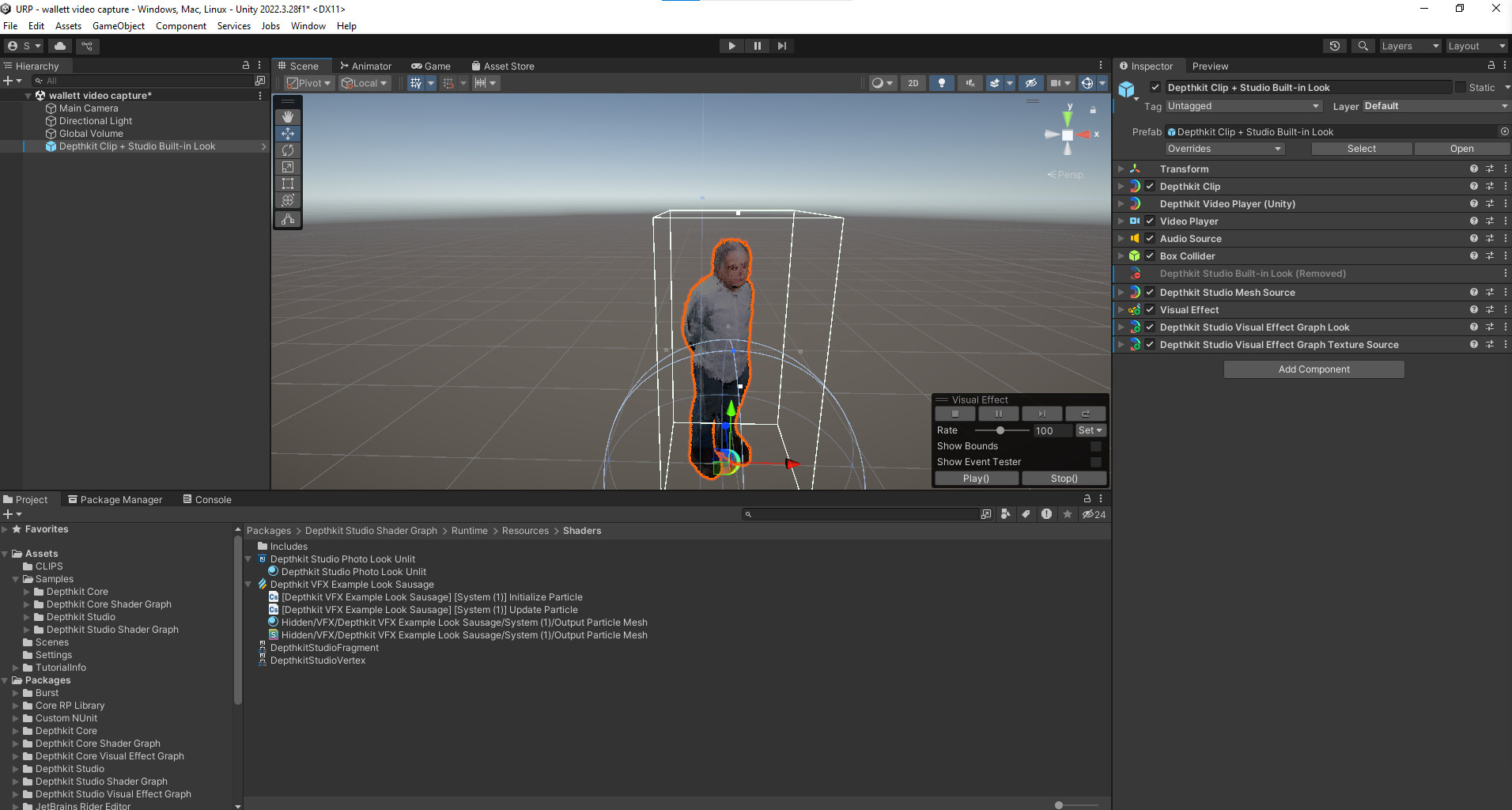
After you import the Depthkit Clip + Studio Built-in Look prefab, there’s no need to add any other components - You can just link your assets to the included components, and that’s all you need to render the asset.
If you want to add the Visual Effects Graph Look to your Depthkit Studio asset, first make sure you are using one of Unity’s scriptable render pipelines (URP or HDRP), then add the Depthkit Studio Visual Effect Graph Look component to your Depthkit object.