
I’m working on editing a depthkit shoot and I’m trying to use the Core Expansion in Unity. I’ve set up the clip in Unity according to the instructions on the site, but my clip isn’t visible in the scene window. Once the clip is set up, I’m seeing the depthkit logo where the clip should be. Any idea what might be causing this?
[RESOLVED] Issue Viewing Depthkit Clip In Unity
8 posts · 346 views
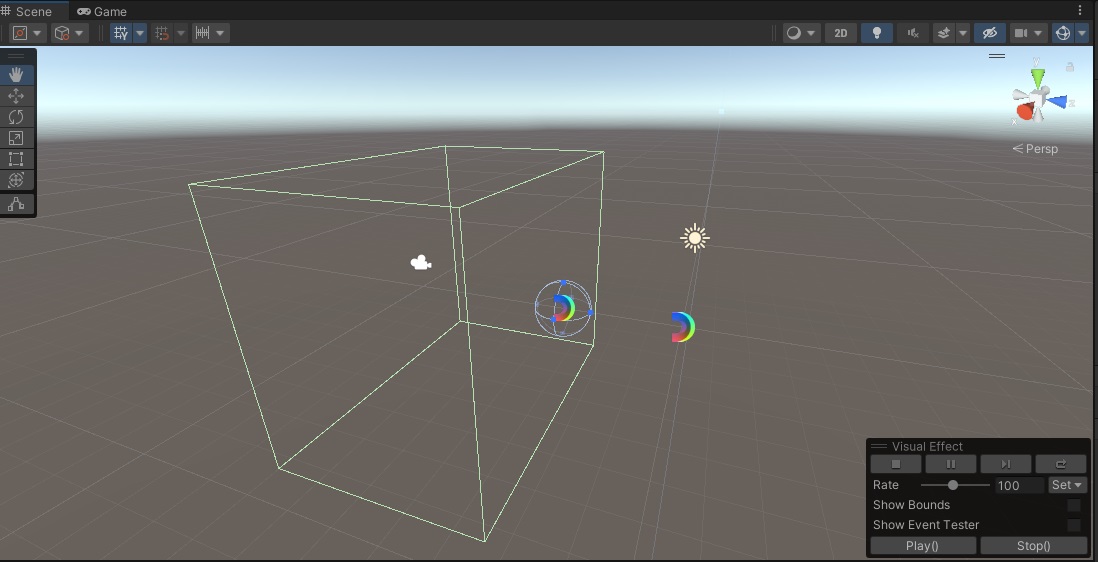
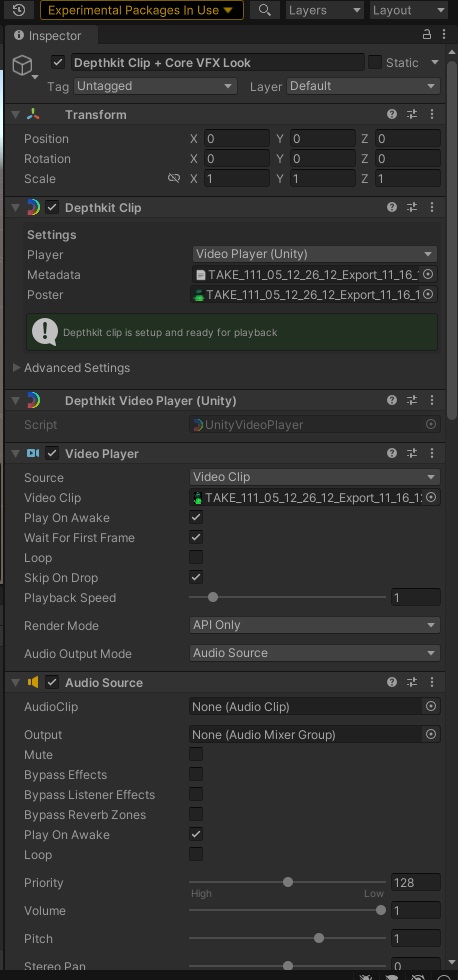
Hey, @StevenReneau ! Thanks for sharing the screenshots. At first glance:
- Are you in a project using Unity’s Built-in Render pipeline? If so, the Depthkit VFX Look won’t work, and you’ll either need to switch the render pipeline to URP or HDRP, or simply create a new project using the URP or HDRP project preset and re-import the Depthkit plugins. If you are going for a photo look, you can simply remove the Depthkit Core VFX Look Component and add a Depthkit Core Built-in Look component.
- It looks like you’re in Unity v2021. We have only tested the Expansion Packages up to Unity v2020.3 (LTS), so if you’re still getting errors after switching looks, that might be it.
Hey Cory! I switched to v2020.3 and created a project using the HDRP pipeline and that fixed the issue. Thank you so much!
I’m having some issues seeing the depthkit clip using the Depthkit Core Built-in Look. My project is set to URP, and i’m using the 2020 version. The clip renders when I use the Depthkit VFX prefab, but when I try to use the Depthkit Core Built-in Look, I just see the depthkit logo.
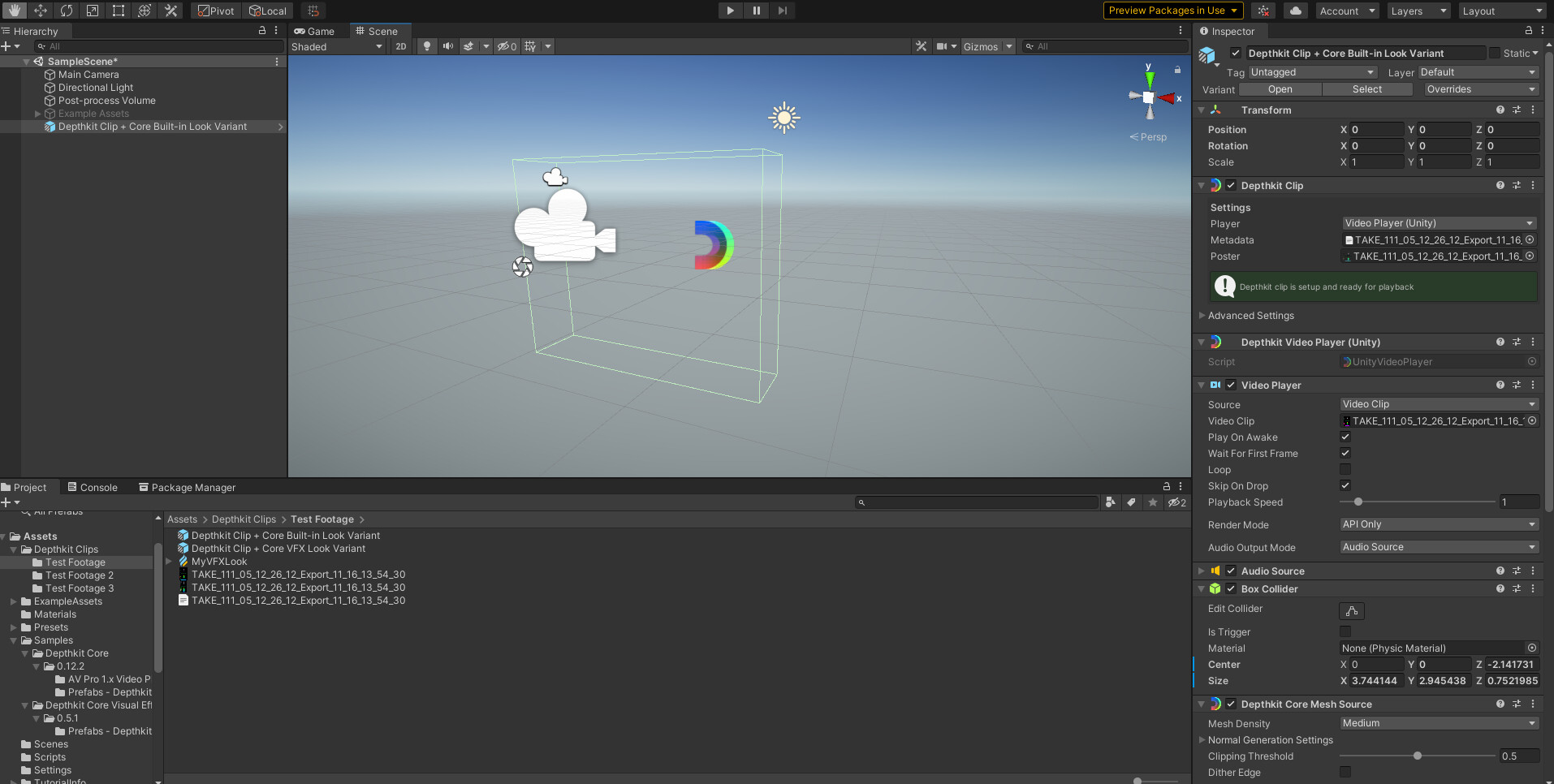
@StevenReneau , I have addressed this in your post here.