The meaning of the calibration prompt icons

3 posts · 256 views
CoryAllen Cory Allen admin mod Staff #3

@weibinliu -

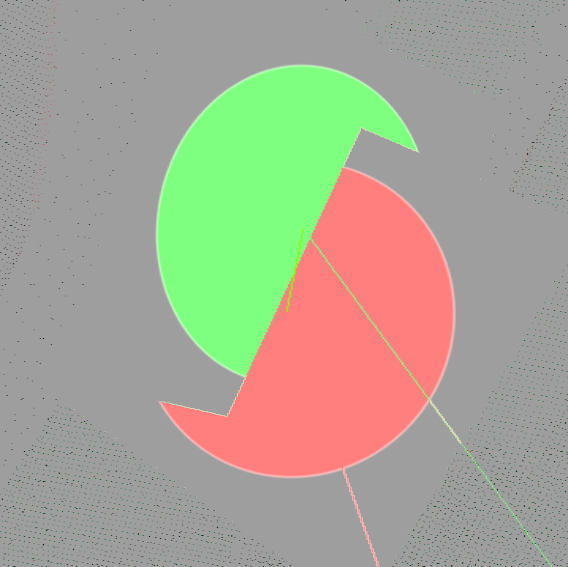
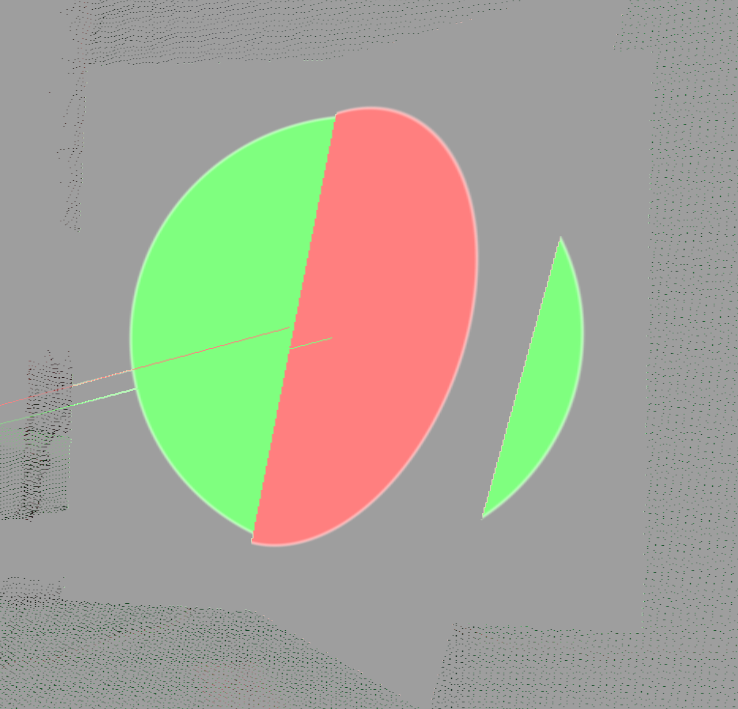
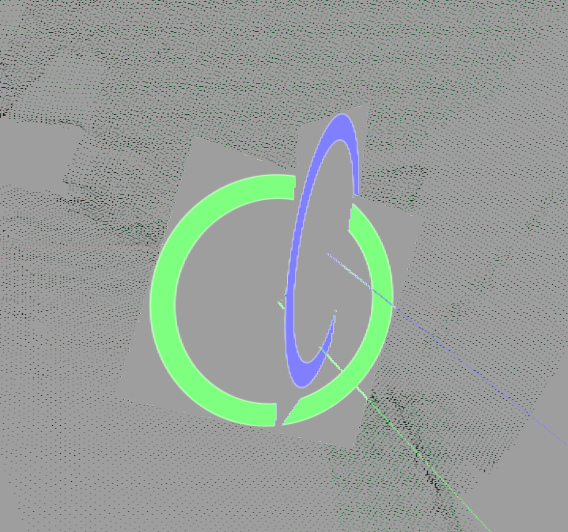
  • The solid circles represent sampled markers which are still included in the calibration.
  • The hollow rings indicate that that sampled marker has been filtered out by one of the filters.
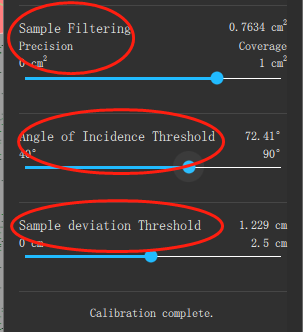
  • The solid circles with an offset mean that based on the current calibration, two sensors slightly disagree on the position of that marker. In the marker you have pictured, the error is less than 1cm. You can bring these closer together by moving the filter sliders toward a more aggressive setting (more to the left).
  • The hollow rings with an offset also indicate that two sensors disagree on the marker position, but that sample has been removed from the calibration calculator by one or more of the filters.
  • You can find descriptions of the filters in our Calibration documentation.