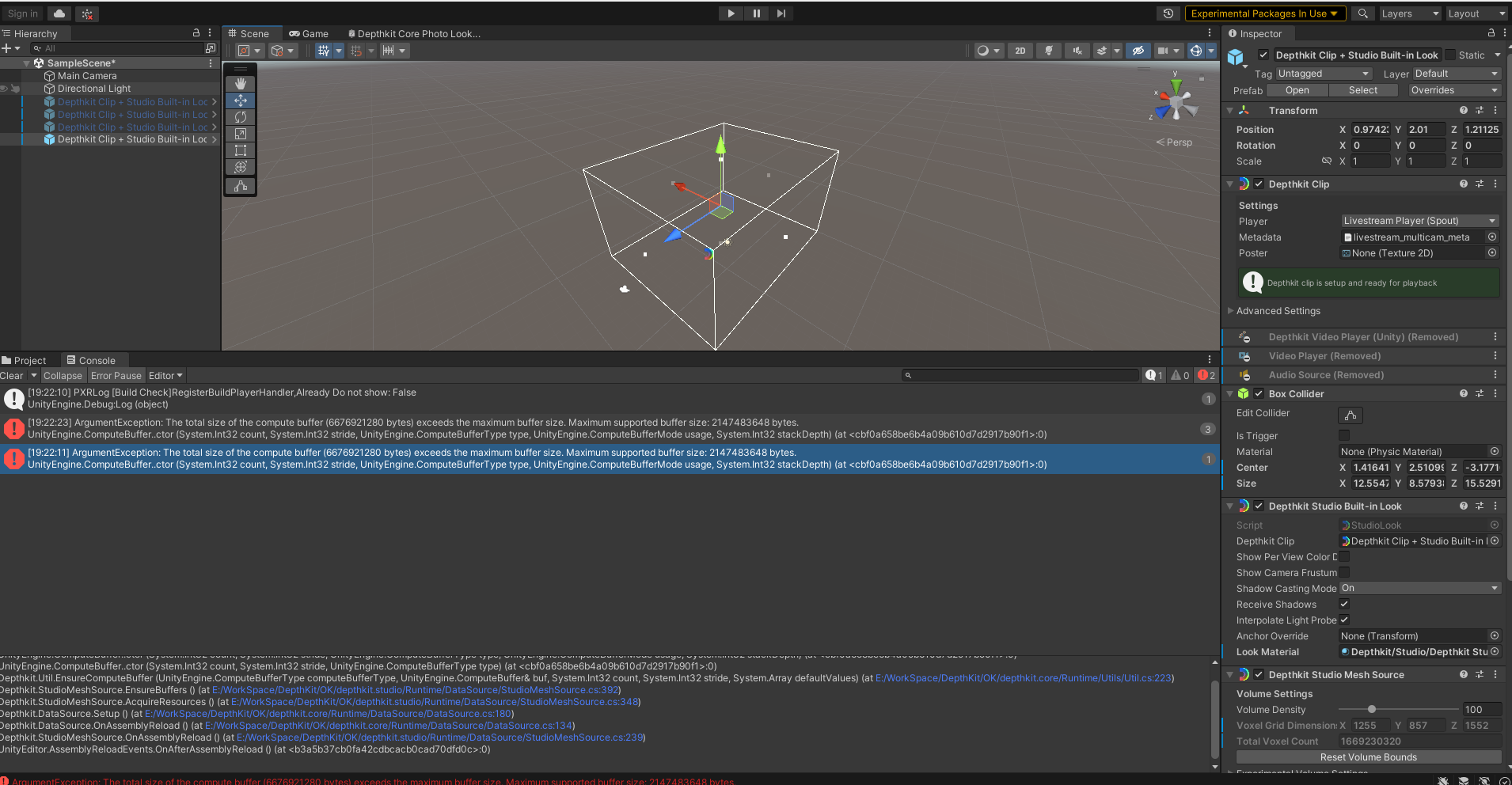
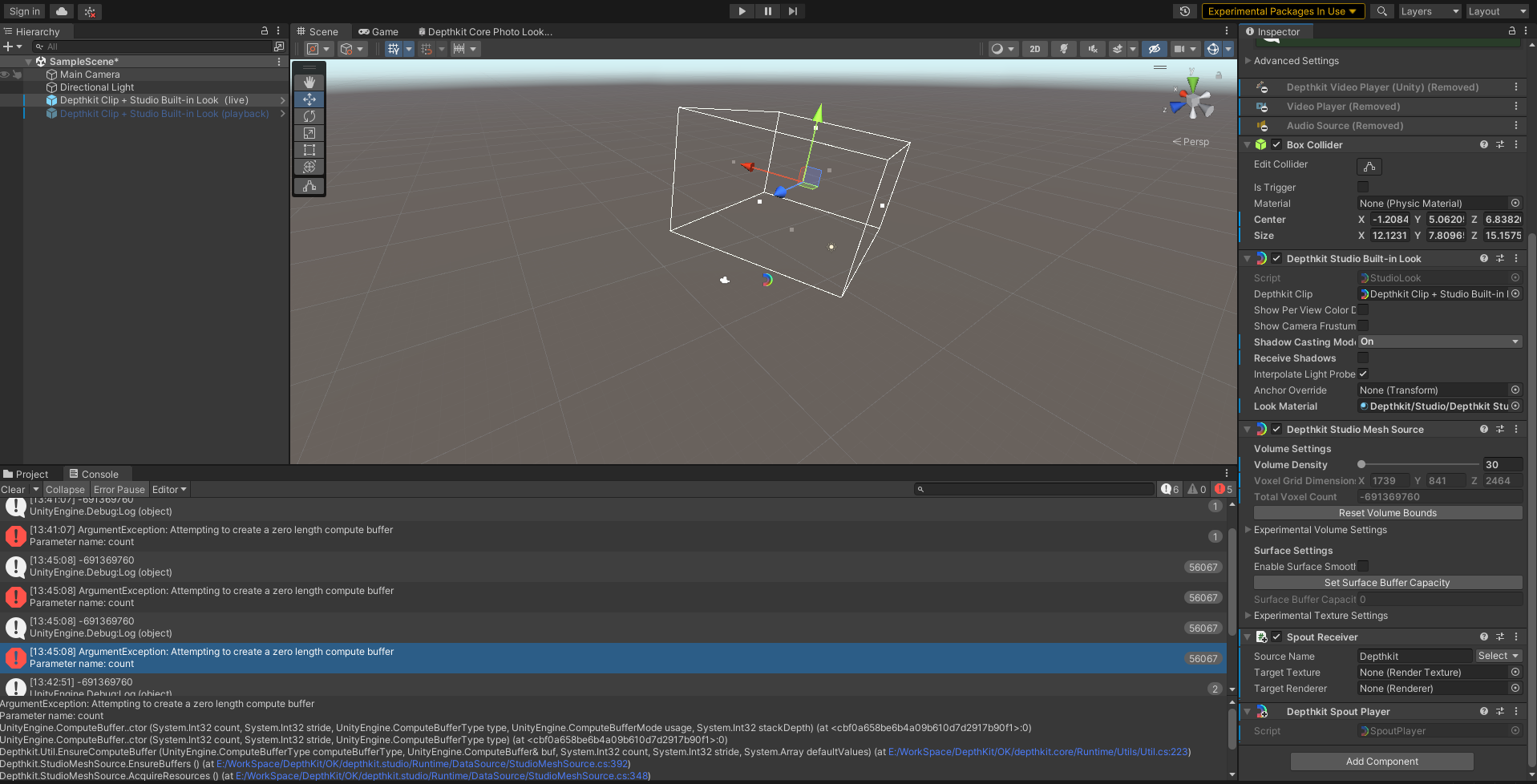
@MarkChen We have seen this before when trying to reconstruct large volumes - Notice that the Total Voxel Count in the Depthkit Studio Mesh Source component is over 1,600,000,000! - Ideally, this number is somewhere in the 30,000 to 200,000 range, depending on playback system performance. I am assuming you have already set the near and far planes of each sensor before exporting, but if you haven’t, be sure to pull those in as close to the performance as possible before exporting out of Depthkit. Here are some options to try:
- Even with a larger volume, the default positions of the Volume Bounds (outlined in white) often create a larger volume than what is needed. Try pulling these closer until your mesh reappears when you click the Set Surface Buffer Capacity button.
- Also, reduce the Volume Density in the Depthkit Studio Mesh Source component. In your screenshot, it is set to 100. Try starting with a low value like 30, then clicking the Set Surface Buffer Capacity button to see if the mesh reappears. If it does, bring the Volume Density up a little higher and set the surface buffer capacity again. Keep doing this until the mesh disappears and you get the error again. This will indicate the maximum density that your system can handle.
- Instead of using the standard Depthkit Studio renderer, use the Depthkit Studio Lite renderer, which performs much better with larger volumes.