Hi @EasiofySolutions
For playback on Android, we recommend the Studio Lite renderer which has higher performance.
Encode the captures at 2048x2048 or lower resolution - if lower ensure the resolution is divisible by 16 to avoid further artifacts
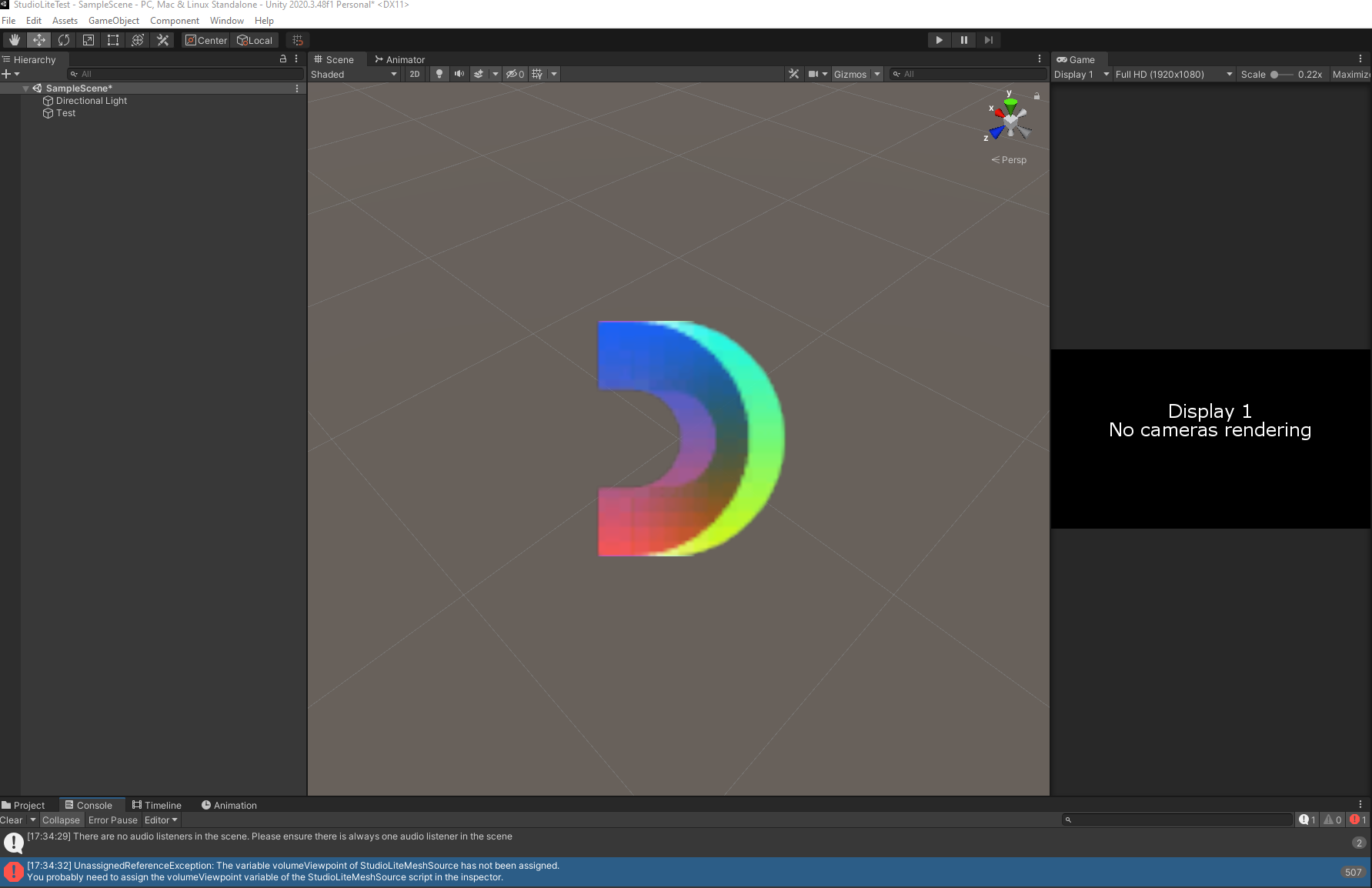
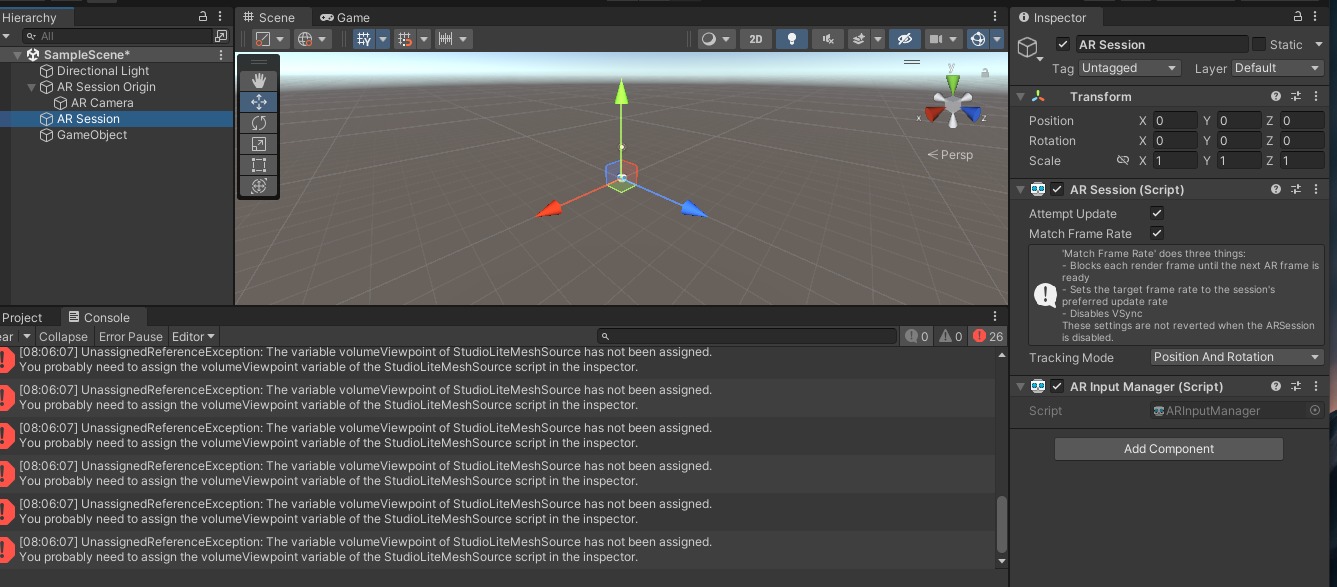
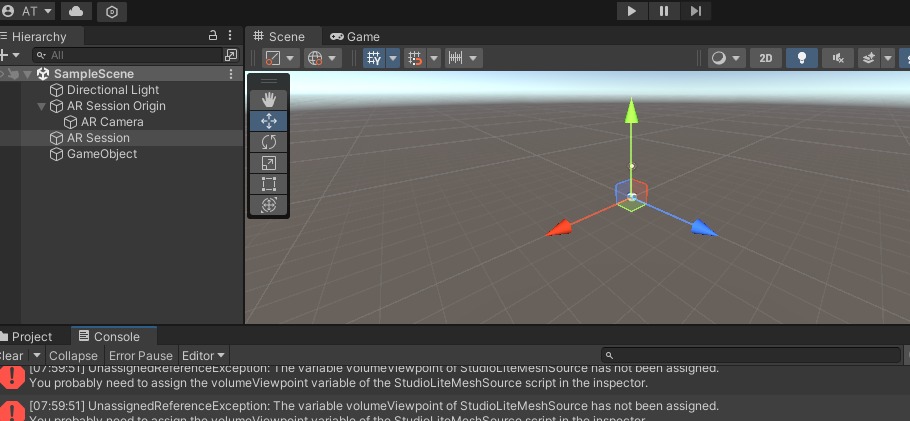
The video you show seems to be using the Core renderer, please make sure your Unity component is using Studio Lite renderer components, or Studio components. Visualizing a Studio clip with Core renderer will result in all the jagged artifacts that you see there.
I also note a lot of green floor at the base of your capture. I believe we have shared the 0.7.0 Pre-release with you. This new version does not require greenscreen, and allows you to segment the floor prior to exporting the capture. Exports from 0.7.0 are also treated to work much better with the Studio Lite renderer.
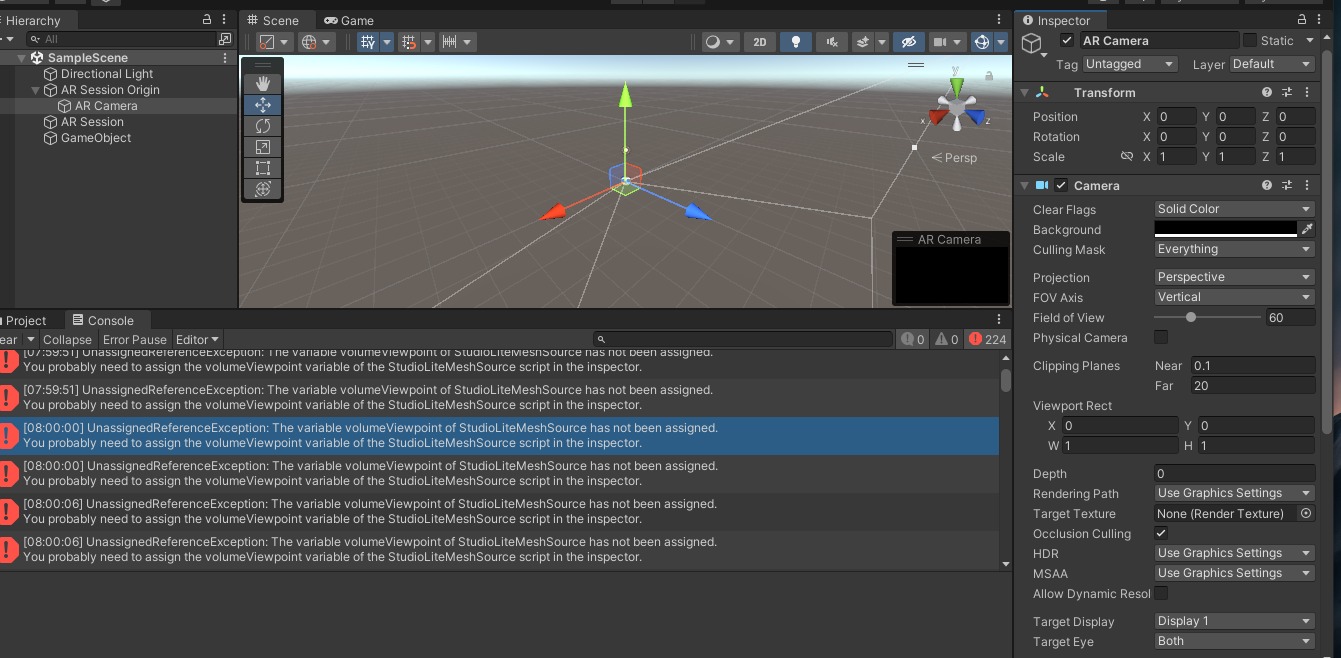
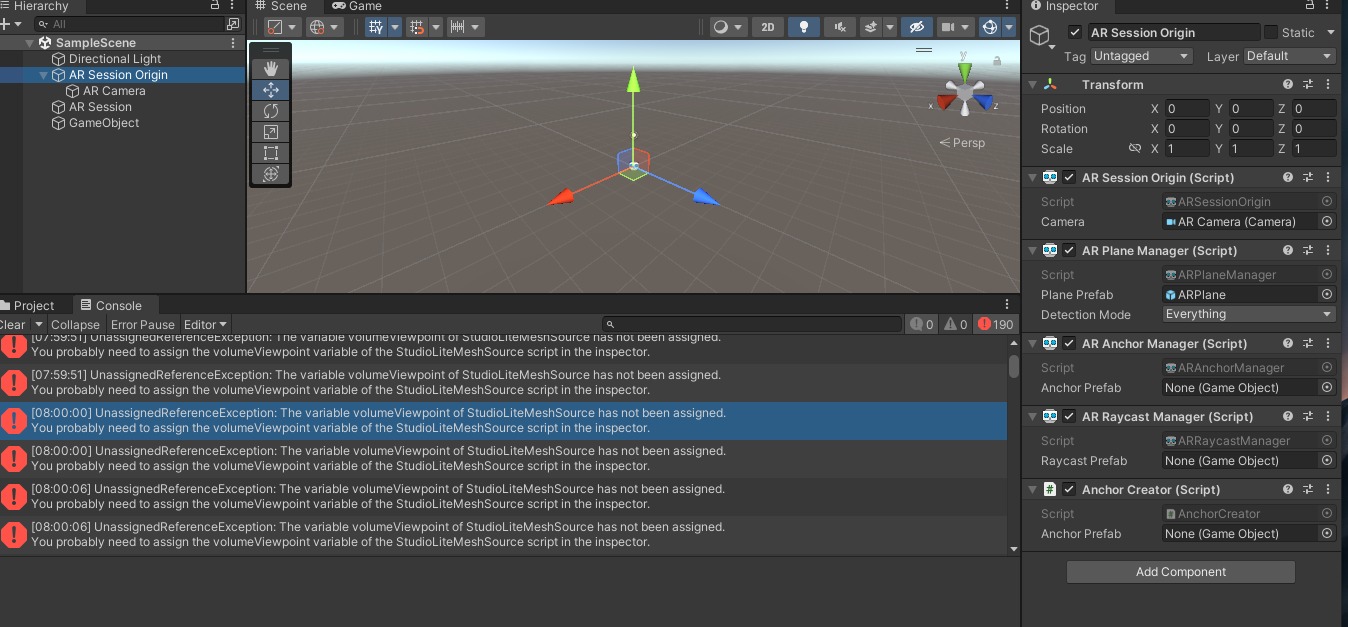
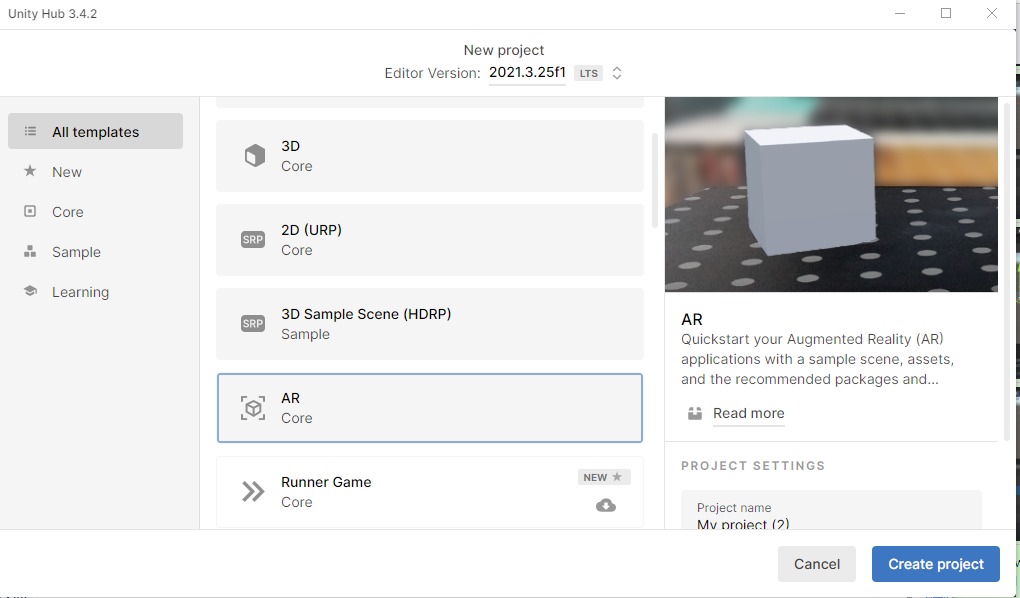
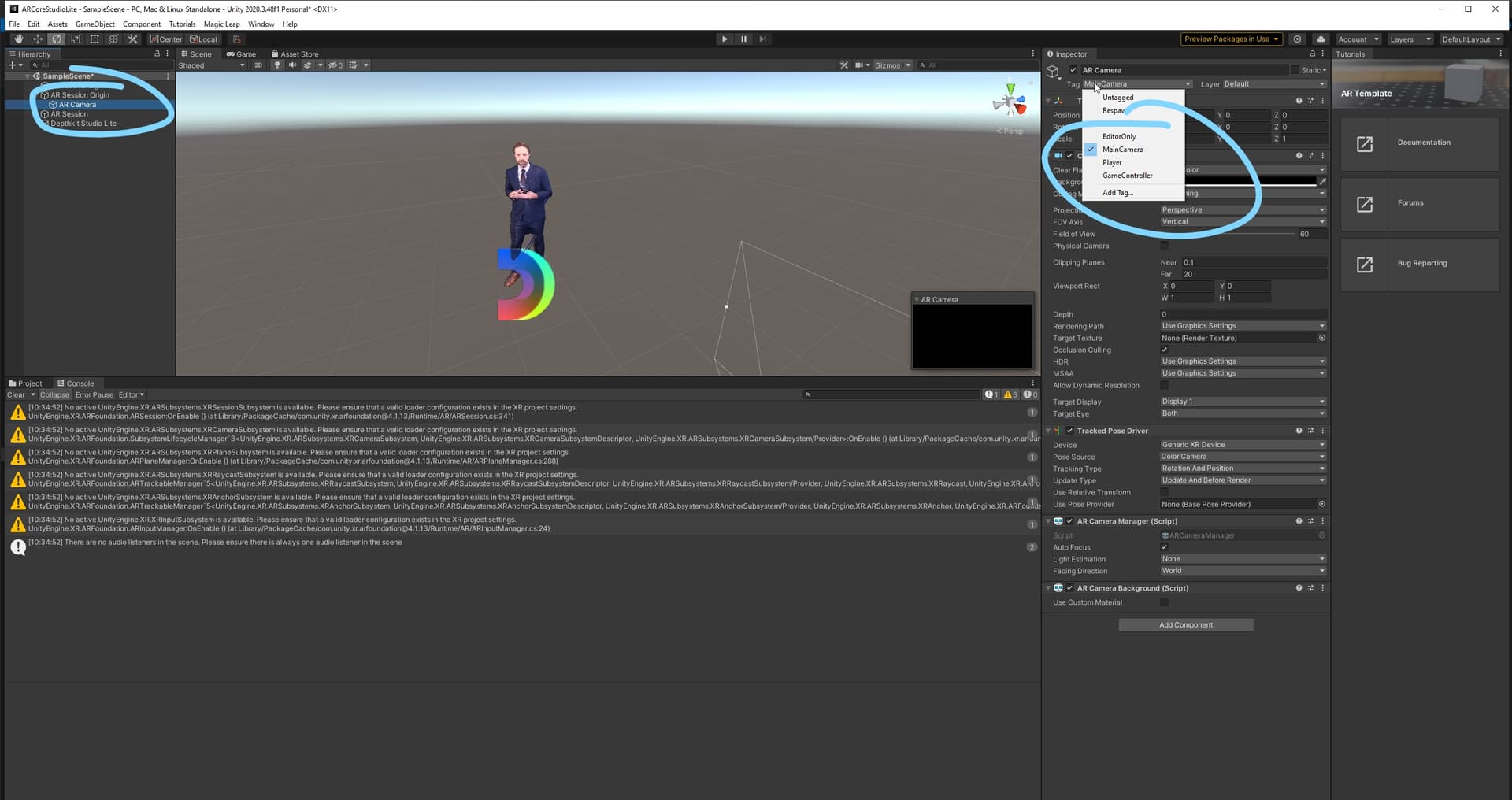
I am not sure about the AR placement issue, this seems to be a problem with where the asset is set in the Unity AR template rather than a specific issue with Depthkit. I recommend getting the performance and quality to look good first, then address the placement issue.
Hope this helps, Let us know how it goes!