Update to Depthkit version 0.5.7!

12 posts · 921 views
jillianmorrow jillian morrow Staff #1

Check out what Depthkit version 0.5.7 means for you:

  • Introduction of OBJ Background Plates! This is a new and exciting export format that provides static mesh exports using averaged depth data. This results in a smoothed, static environment or background plate. See details in Export Formats.
  • Introduction of Automatic Refinement (experimental). This is an update to Depthkit’s Refinement Workflow, that will allow you to leverage the power of the Refinement Algorithm without applying a mask. See details under Refinement Workflow.
  • With this update, our team has also squashed some pesky bugs! Check out the full release notes here for details.
satorukoshiba satoru koshiba #2

Today i installed DepthKit v0.5.7 trial version.
And tried to start it.
At first DOS windows was opened and displayed my environment, then the window closed.
DepthKit did not start.
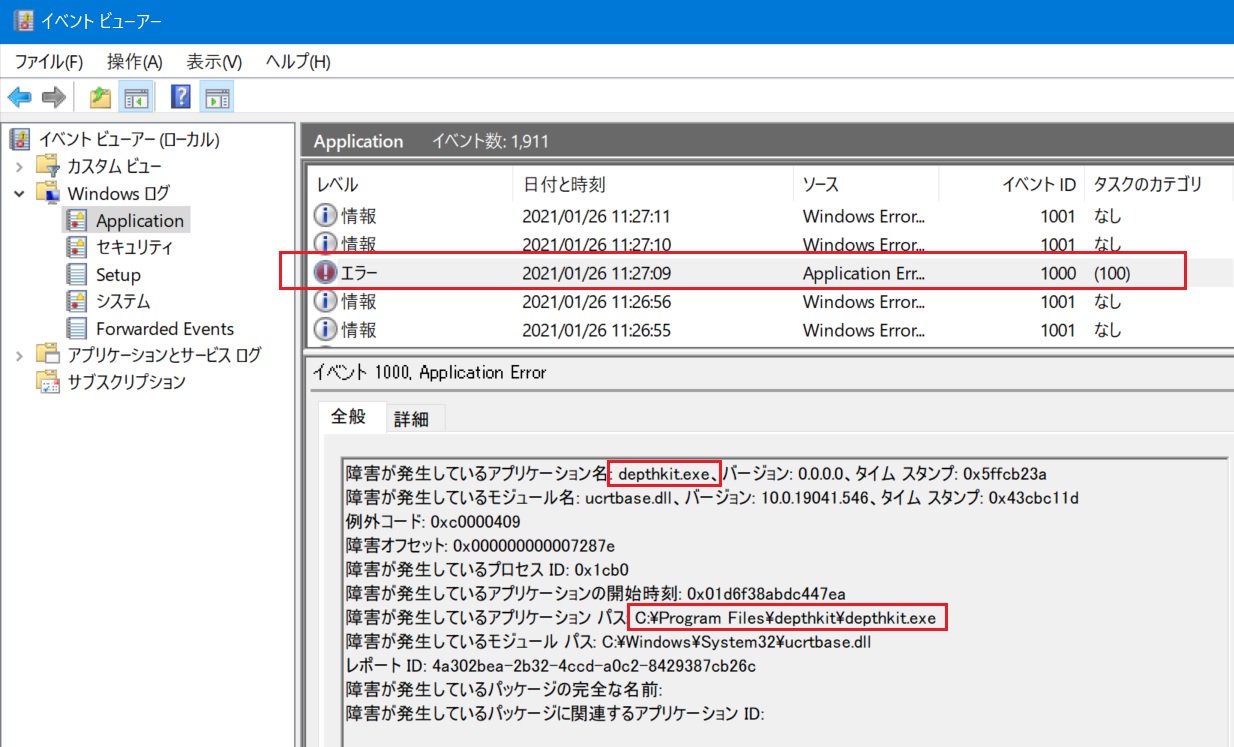
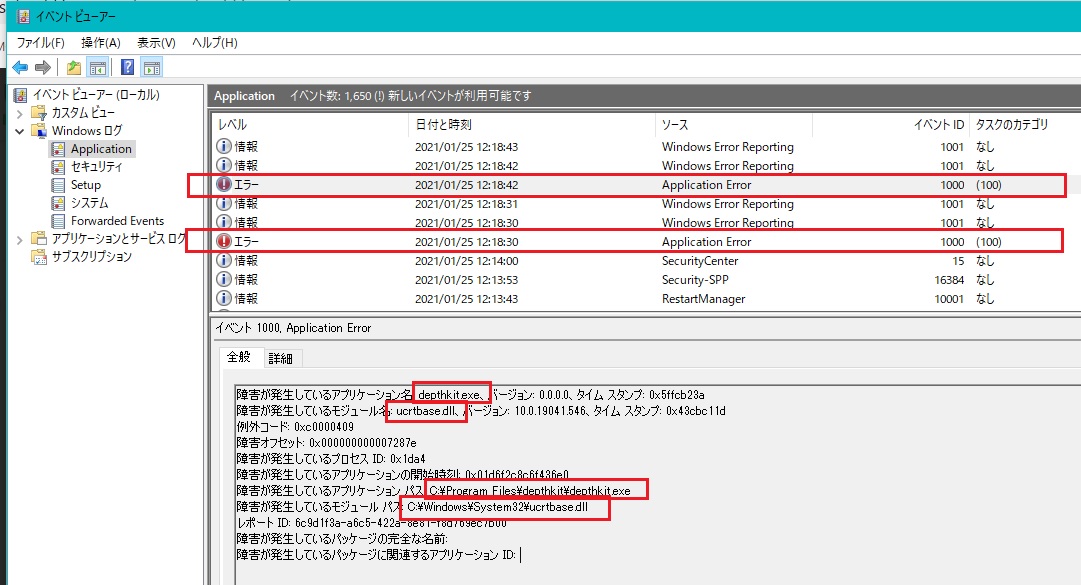
I checked windows system log and there was "Depthkit Error caused by ucrtbase.dll "
What should i do ?

new

jillianmorrow jillian morrow Staff #3

Hey @satorukoshiba, are you seeing any errors in the Depthkit console when you are launching the application?

satorukoshiba satoru koshiba #4

Thank you for reply
There is no error messages.
DOS window appears for split second and closed.
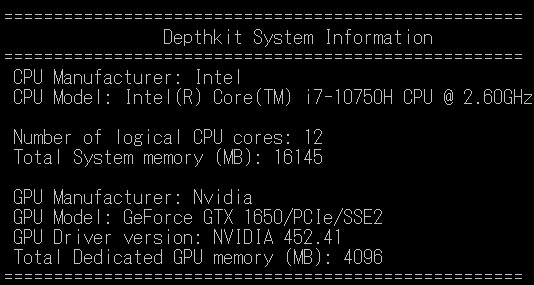
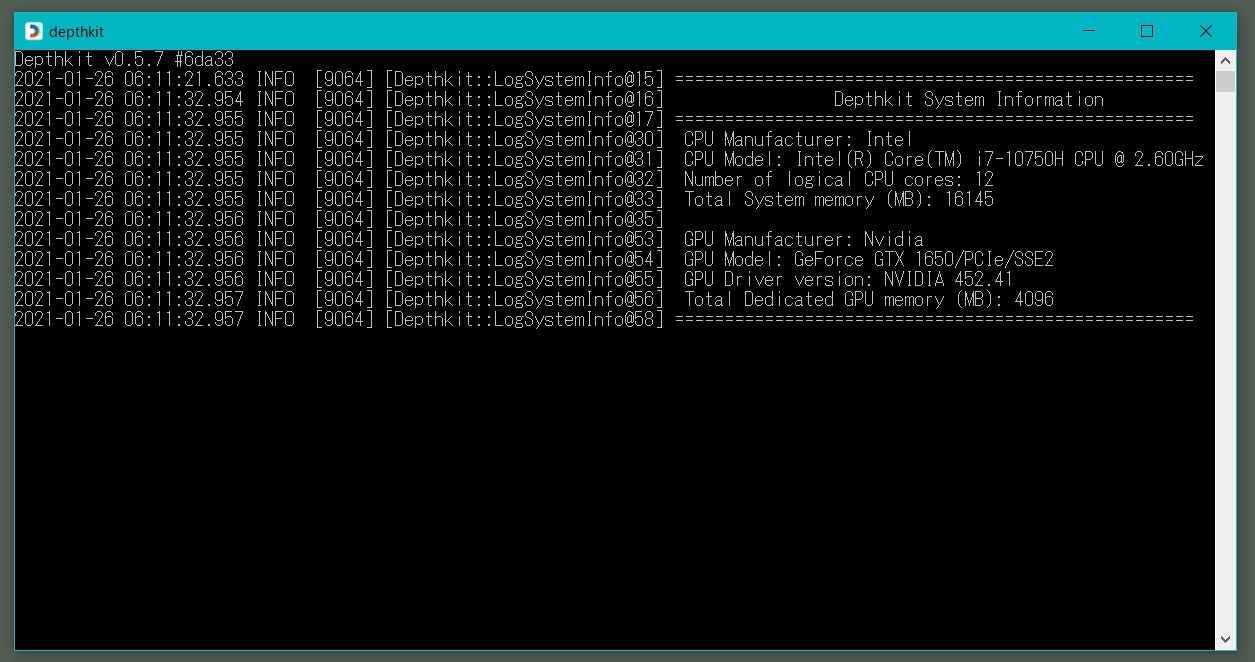
I attached the DOS window screenshot.
As an additional information My PC environment is as below.
-Windows10 Home(64bit)
-VisualStudio2019
-Unity2019
-AzureKinectDK SDK kit 1.4.1(go well)

satorukoshiba satoru koshiba #5

I tried on another PC,but it failed too.
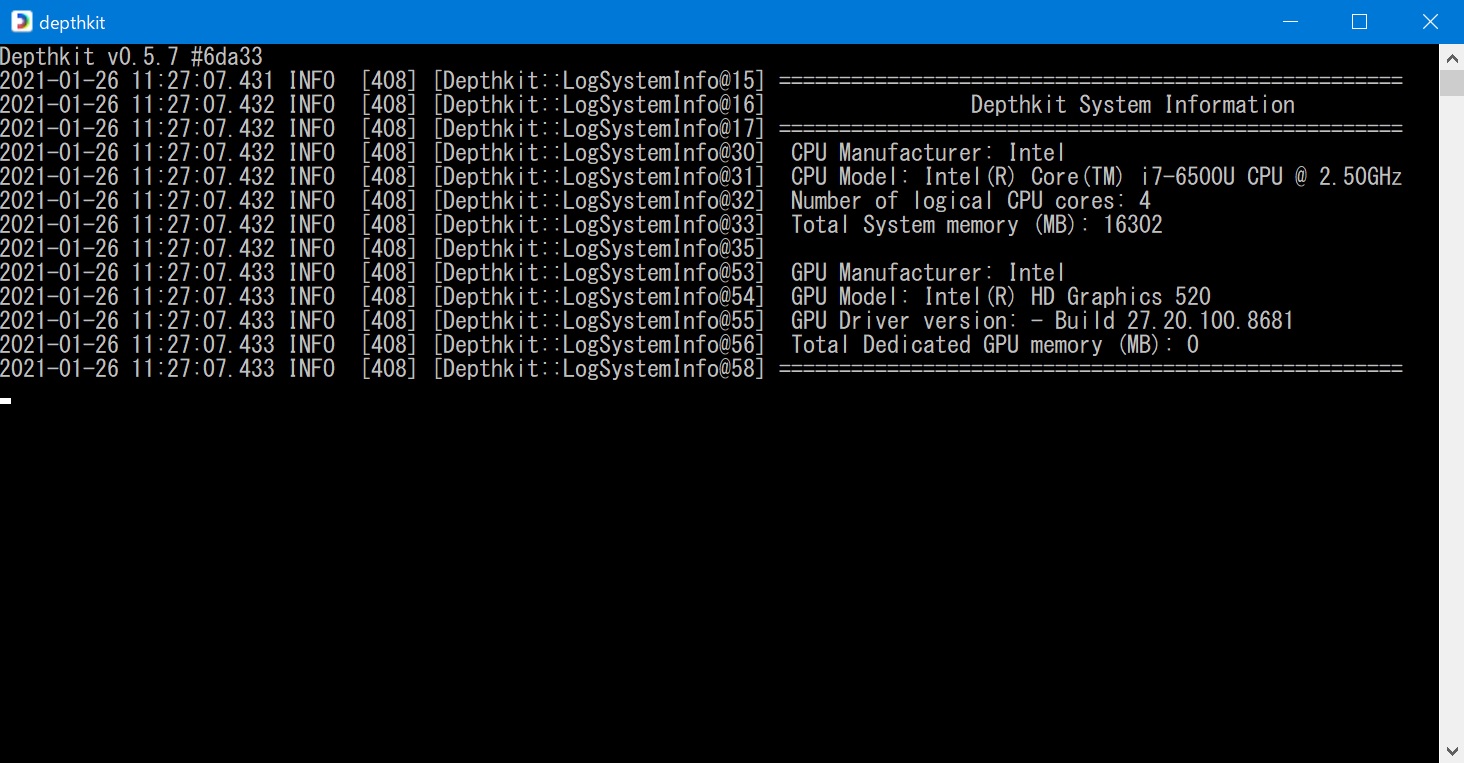
DOS windows appears for split seconds and closed.
I attached the DOS windows screenshot, and Windows EventViewe
As an additional information My PC environment is as below.
-Windows10 Pro(64bit)
-VisualStudio2019
-Unity2020
-AzureKinectDK SDK kit 1.4.1(go well)

jillianmorrow jillian morrow Staff #6

Hi @satorukoshiba! Thanks for sharing more. Unfortunately, the Depthkit console isn’t reporting any issues. Are you interested in sharing your screen or jumping on a teamviewer session to get you unblocked? If so, please select a time here for us to chat.

satorukoshiba satoru koshiba #7

Thank you for your appreciation
I selected 1/29(FRI) 07:00-07:30(Japan Time)
I apologize for the inconvenience.

2021年1月27日(水) 2:38 jillian morrow via Depthkit Community <depthkit@discoursemail.com>:

jillianmorrow jillian morrow Staff #8

Thanks for chatting @satorukoshiba!

In case anyone else is experiencing a similar issue or is getting a notification that VCRuntime140.dll was not found, please download and install this Visual Studio redistributable to resolve the issue.

Our team is aware of this snag and will be addressing it immediately. We appreciate your patience and understanding! 💙

satorukoshiba satoru koshiba #9

I already re-installed VCruntime ReDistribution at many times but i could not resolve the problem.

satorukoshiba satoru koshiba #11

Dear Jillian Morrow

We have found out what to do if Depthkit cannot start with the MSDOS screen displayed for a moment. 😄

It is very easy.
“Create a local account, sign in, and then reinstall DepthKit.”

At least on my four Windows 10 Pro laptops, DepthKit started as described above. 😀
I don’t know why it works in a local account environment.
But a friend who couldn’t start DepthKit in the same situation as me also tried this method and solved it too.

Best regards

satorukoshiba satoru koshiba #12

Let me supplement the explanation.

If DepthKit does not start.
First, uninstall Depthkit once.

Create a local account with the features of Windows 10 as shown in the video below.
https://www.microsoft.com/ja-jp/videoplayer/embed/RE4FyMi?pid=ocpVideo0-innerdiv-oneplayer&postJsllMsg=true&maskLevel=20&market=ja-jp

Then log in to Windows 10 with that local account and install DepthKit again.
DepthKit will then launch correctly and you will be prompted to log in with your DepthKit account.
If you log in with your DetphKit account, you’ll get great 3D capture capabilities.

Best regards